How to Use LM Books: Build a Personal Shelf and Read With Accessibility Tools
Browse public-domain and rights-cleared Christian-friendly reading, open a book, use accessible reading controls, save titles to a shelf, and keep source rights clear.
Built for Readers and families looking for clean, classic, Christian-friendly, and rights-cleared books.
You will know how to use LM Books as a reading and discovery layer while understanding the difference between public-domain material, rights-cleared works, and LM-authored books.
Before you start
LM Books should make reading easier without obscuring rights. A public-domain text is not owned by LM simply because it is readable there, and rights-cleared works should preserve the license or source context that permits their use.
Step 1: Browse the available library
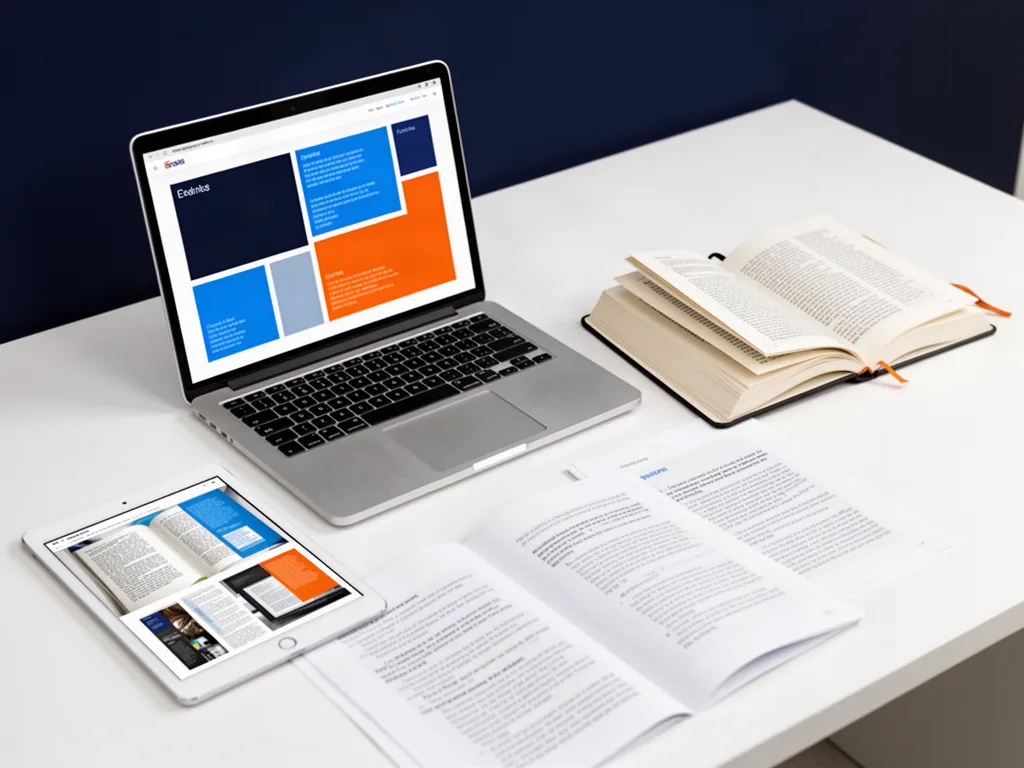
Use the catalog and categories to find a title that fits the reader, subject, or age range you are looking for.
Step 2: Open the book detail or reader
Review the source context and begin reading in the supported browser reader.
Step 3: Adjust reading controls
Use the available accessibility and reading controls to improve comfort, including supported sizing, layout, or read-aloud behavior.
Step 4: Save the title to your shelf
When signed in and supported, add useful titles to a personal shelf so they are easier to return to later.
Step 5: Follow rights and source information
Treat authorship, public-domain status, external purchase links, and rights-cleared material accurately when sharing or citing a book.
Make the workflow better
Choose a comfortable reading setup before deciding a book is hard to read.
Use shelves for active reading, not as a collection you never revisit.
Respect the source and rights information attached to each work.
Questions people ask
Are all LM Books written by Dr. Layne McDonald?
No. The reading library may include public-domain or rights-cleared works in addition to books authored or published by LM.
Does LM Books include read-aloud support?
The platform direction includes accessible reading controls and read-aloud support for compatible content.
Open the tool and make something real.
A tutorial matters when it gets you moving. Start with a real project, keep the first version simple, and improve it as you learn.