How to Use LM Music Studio: Plan, Arrange, Review, and Deliver a Music Project
Organize a music production around tempo, key, arrangement, tracks, source references, mix notes, rights checks, approvals, and delivery without pretending LMOS is a full DAW.
Built for Songwriters, producers, musicians, worship teams, filmmakers, podcasters, and creators coordinating music production.
You will have one music-production workspace that keeps the arrangement, track plan, references, mix decisions, rights status, and delivery checklist together around the project.
Before you start
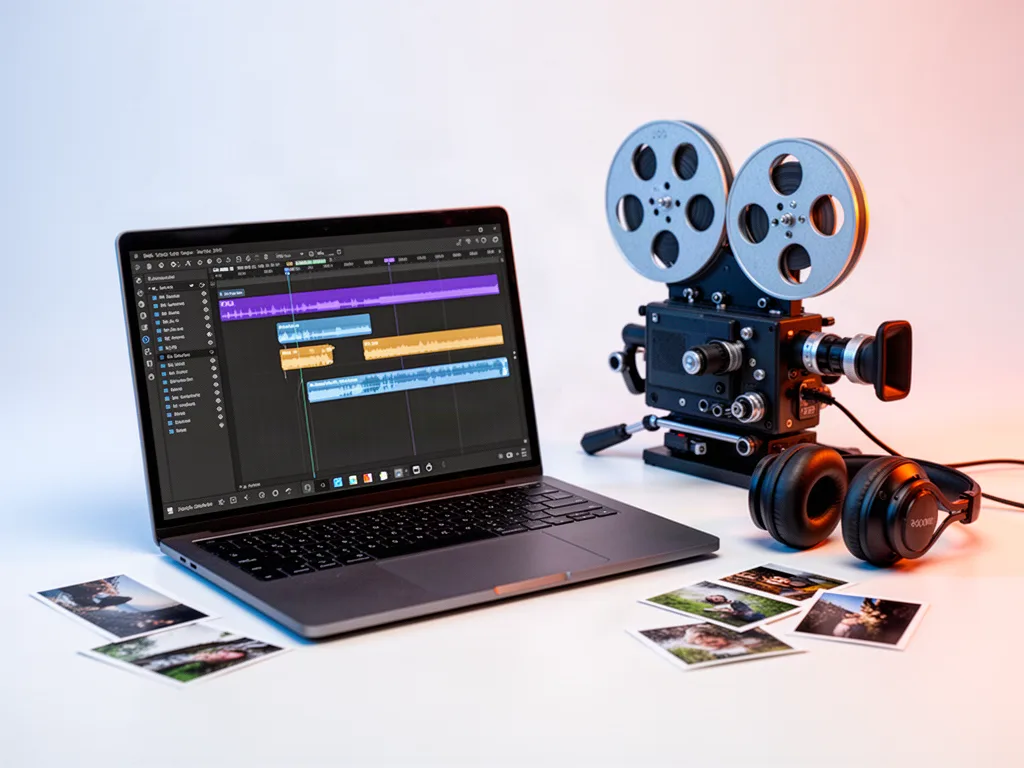
LM Music Studio is the production command layer around the music rather than a replacement for a full digital audio workstation. Start with the musical context, then use the project to coordinate the decisions, source files, notes, approvals, and delivery work that otherwise scatter across folders and messages.
Step 1: Set the musical context
Enter the artist or project identity, genre, BPM, key, sample rate, and any notes that affect the people working on the music.
Step 2: Map the arrangement
Build the song or cue in sections such as Intro, Verse, Chorus, Bridge, or custom parts. Add bar counts and notes so the structure can be understood without opening every audio file.
Step 3: Create the track plan
List the vocal, instrument, MIDI, stem, reference, or other tracks the project needs. Attach a source reference when appropriate and keep production notes with the track they describe.
Step 4: Capture mix and revision decisions
Use level, pan, mute, solo, notes, and review context as project decisions and communication aids. Do detailed signal processing in the audio tool that actually owns the sound.
Step 5: Confirm rights and approvals
Record whether samples, generated material, outside recordings, performances, and other assets have the rights or permissions the intended use requires. Treat unclear rights as unresolved rather than approved.
Step 6: Finish the delivery checklist
Confirm mix approval, master approval, metadata, artwork, rights readiness, and distribution notes before handing the music to its destination.
Make the workflow better
Use LM Music Studio to coordinate the production, not to imitate every control in a DAW.
Keep reference links and mix notes attached to the project so revisions have context.
Do not mark rights complete when the source or license is unclear.
Define the delivery format and destination before the final export becomes urgent.
Questions people ask
Is LM Music Studio a full DAW?
No. It organizes music-production decisions, arrangements, tracks, references, mix notes, approvals, rights, and delivery around the project while detailed recording and signal processing can remain in the appropriate audio tool.
Can I use AI-generated music inside the project?
The project can record generation-provider and rights information when that workflow is enabled, but commercial-use rights still depend on the actual provider terms, source material, and intended use.
Open the tool and make something real.
A tutorial matters when it gets you moving. Start with a real project, keep the first version simple, and improve it as you learn.