How to Use LM Websites: Build a Clear Site Without Becoming a Web Developer
Create a site, add and reorder pages, use focused content blocks, connect related LM projects, preview the result, and publish a structure people can actually navigate.
Built for Creators, churches, ministries, organizations, and small teams that need a simple hosted site.
You will have a clear block-based website structure with a real homepage, supporting pages, navigation, and one obvious next step for visitors.
Before you start
LM Websites is a focused builder, not a blank technical canvas. Start with who the site is for and what you want a visitor to do before you start adding pages.
Step 1: Name the website and define the main action
Create the website project, then decide the one action the homepage should make easiest: learn, watch, visit, contact, register, donate, buy, or something else.
Step 2: Build the page map
Create only the pages the audience actually needs, such as Home, About, Contact, Services, Ministries, Events, Media, or a project-specific page.
Step 3: Assemble each page with focused blocks
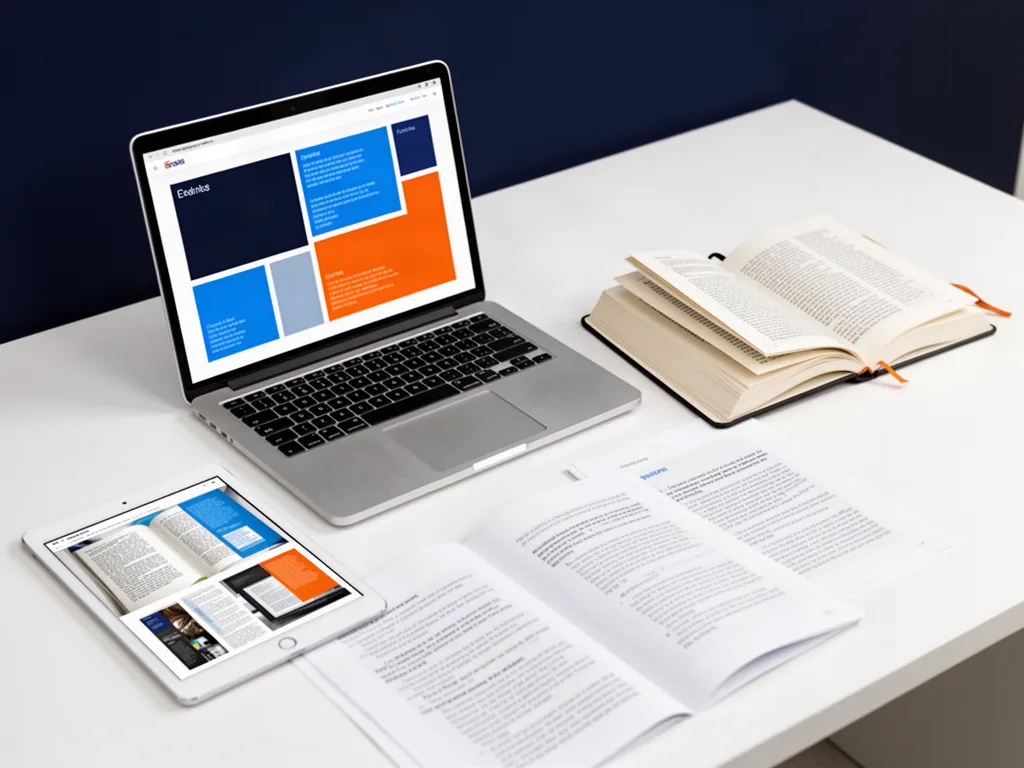
Use hero, text, image, contact, and other supported blocks to tell the page story in a clear order rather than filling space for its own sake.
Step 4: Write for people, not the builder
Use customer- or visitor-facing language. Headlines should explain value and next steps instead of describing internal departments or software features.
Step 5: Connect the rest of LM when it helps
Link appropriate Events, Blogs, Podcasts, Tracker boards, media, or other LM projects when the connection serves the visitor experience.
Step 6: Preview the mobile path before publishing
Walk through navigation, page order, buttons, forms, spacing, and the most important action on a small screen as well as desktop.
Make the workflow better
Every page should have a reason to exist.
Use one dominant call to action per page section.
Write the headline before decorating the block.
Check mobile navigation before adding more content.
Questions people ask
Do I need to know code to use LM Websites?
The product is designed around focused content blocks so non-developers can build and update pages without working directly in code.
Can an LM Website connect to other LM projects?
The connected workflow is designed to link relevant LM projects such as events, blogs, podcasts, and other resources where that improves the public site.
Open the tool and make something real.
A tutorial matters when it gets you moving. Start with a real project, keep the first version simple, and improve it as you learn.