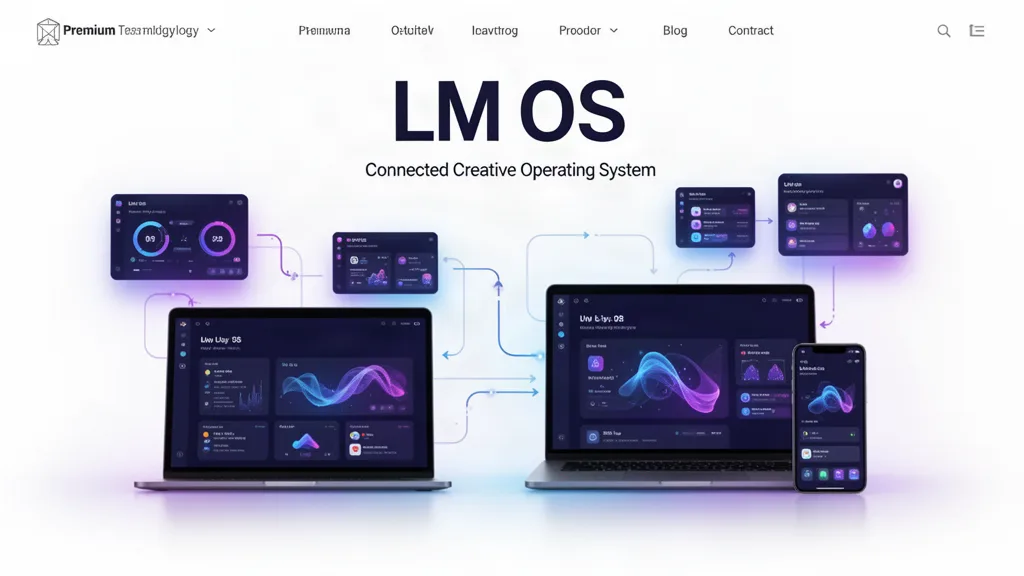
LM Tasks Beta Update: One Task, Five Views, Existing Tracker Work Preserved
LM Tasks now lets creators see the same shared task records as List, Board, Calendar, Timeline or Projects while existing LM Tracker boards remain intact and continue to work.
What changed
LM Tasks now includes List, Board, Calendar, Timeline and Projects views.
Changing views changes presentation only; it does not create duplicate tasks.
Tasks can stay personal or belong to an LMOS project.
Automatic actions from reviews, messages and other real LM activity appear in the same work layer.
Existing LM Tracker projects, boards, columns, cards, attachments and routes remain intact.
How Tracker fits
LM Tracker remains useful for deeper board-specific planning. Its historical project payload is preserved. When a Tracker card needs to become part of the wider LMOS action system, the existing sync flow links it to the shared task table using a stable source key so later updates can refresh the same task instead of creating copies.
What testers should try
Open LM Tasks and switch among List, Board, Calendar, Timeline and Projects.
Confirm one task appears in several views without being duplicated.
Create a task inside one LMOS project and verify Projects view groups it correctly.
Open an existing LM Tracker project and confirm its boards and cards are still present.
Sync a Tracker card into My Tasks and verify repeated syncs update the same shared task.
What comes next
The next productivity work will continue improving project context, scheduling and collaboration without forcing creators to recreate old Tracker work.
Use the beta on real work.
The most useful feedback is not “I like it.” Tell us where you hesitated, what took too many clicks, what did not save the way you expected, and what would make this useful enough to return to next week.