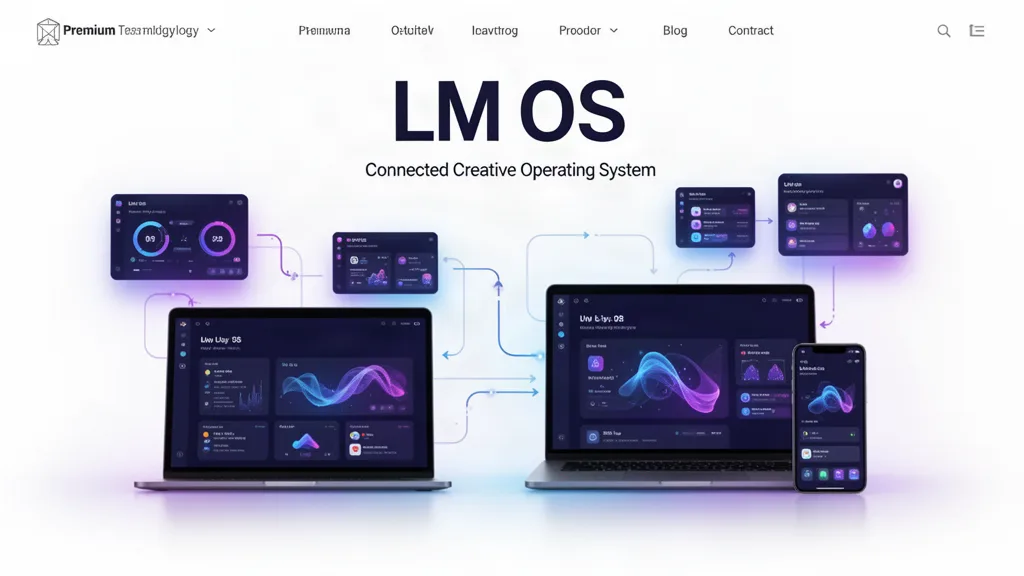
LMOS Beta Update: Real Desktop Windows, Safer Folders, and One Shared Engine Layer
LMOS now opens apps and projects in movable desktop windows, adds compact draggable widgets and safer project-folder lifecycle controls, and introduces one shared engine map so teams, tasks, CRM, files, events, notifications and other core systems are reused instead of rebuilt inside every app.
What changed
Apps and projects can open in independent LMOS desktop windows instead of always replacing the whole desktop.
Windows support close, minimize, restore, maximize, title-bar dragging and edge/corner resizing.
Clock, Calendar and Weather are compact movable widgets that can be closed back into the desktop widget strip.
Desktop icons can free-float, sort alphabetically or by recent work, with optional grid snapping.
Projects now support nested folder navigation, breadcrumbs, Back, move, archive, restore and stronger permanent-delete safeguards.
Folder creation and rename now detect accidental case-insensitive duplicates while still allowing an intentional duplicate.
A shared LMOS engine registry now maps which apps use identity, projects, teams, tasks, files, CRM, events, conversations, notifications, publishing, analytics, AI and billing.
LM Websites now exposes Team + CRM using the existing project team/task engine and its existing forms/leads pipeline rather than inventing another collaboration database.
App product pages now show the shared engines they use, and system-level beta updates can flow into relevant app release-note feeds without manually copying the same update record into every product.
The architecture rule
The app owns the specialist experience. LMOS owns the shared infrastructure. If five apps need people, teams, files, tasks or notifications, that is a reason to strengthen one engine—not create five slightly different versions.
For LM Studios internally
The same Teams + Work system can run Product + Engineering, Member Success, Publishing + Media, Marketing + Growth, Operations, Events + Training and Leadership. Internal company work should use stronger permissions around the same LMOS project/team/task infrastructure rather than a hidden second company system.
What testers should try
Open LMOS Desktop and double-click several apps or projects; move and resize their windows and minimize/restore them.
Move the Clock, Calendar and Weather widgets, close one, then bring it back from the widget strip.
Right-click the desktop and test free-float, alphabetical, recent and snap-to-grid arrangements.
Open Projects, create nested folders, test duplicate-name warnings, move a folder, archive it and restore it.
Open LM Websites and test the Team + CRM tab with an existing saved site project.
Open an app product page and confirm the shared LMOS engines and relevant release notes are visible.
Open the LMOS System Map and check whether each app is using shared engines instead of growing its own duplicate infrastructure.
Use the beta on real work.
The most useful feedback is not “I like it.” Tell us where you hesitated, what took too many clicks, what did not save the way you expected, and what would make this useful enough to return to next week.