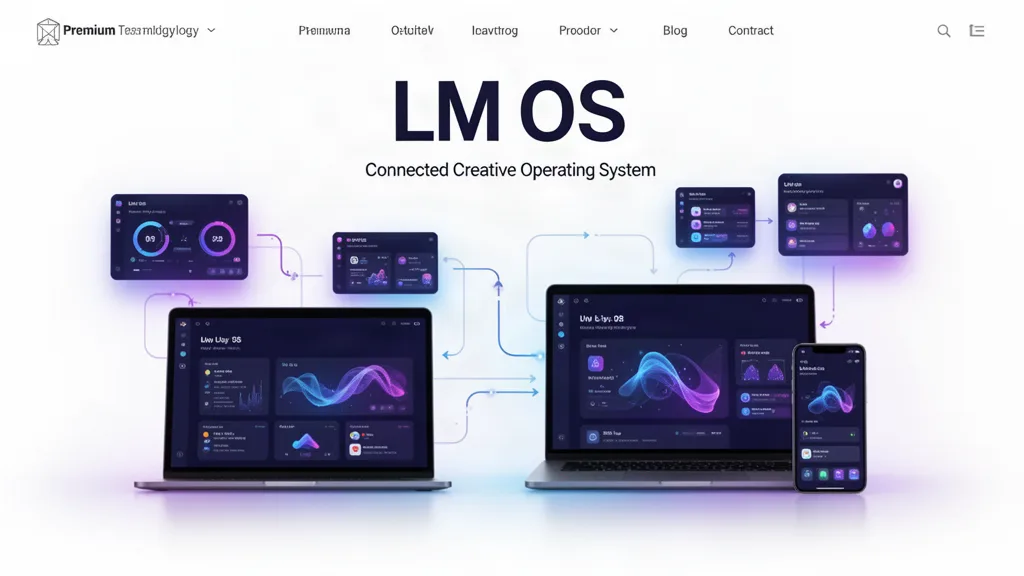
LMOS Beta Update: A Smarter Front Door and Product Pages Built Around the Work
LayneMcDonald.com now helps new visitors choose LMOS by who they are and what they want to accomplish, while every specialist app page uses a shared premium product-story system with truthful beta capabilities, workflow previews and release notes.
What changed
Added a reusable visitor front door to the public homepage, LMOS app hub and individual app pages.
Visitors can choose “I am a…” and “I would like to…” to receive role-and-outcome-based app recommendations.
Unsigned visitors now reach public product pages from the main creation cards and LMOS navigation instead of being dropped directly into specialist studios.
Upgraded the shared specialist-app landing template with larger outcome-focused storytelling, a current workflow preview and app-specific current capabilities.
Moved the public build journal into an explicit Release Notes + Build Journal section near the bottom of each product page.
Public beta labels now read from the central LM app metadata so version messaging does not drift between the catalog and the landing page.
Why this matters
The goal is not to make LM look larger than it is. The goal is to make the value legible. Each page should sell the real job the product already helps with, clearly mark beta boundaries, and give the visitor a logical next step without requiring them to understand the LMOS architecture first.
What testers should try
Visit the homepage while signed out and change both front-door selections.
Choose several different roles and outcomes and confirm the recommended apps feel relevant.
Open LM Book, Script, Podcast, Film Studio, Graphics, Websites, Office, Coach and Courses from their public product pages before entering LMOS.
Scroll each product page and confirm the workflow preview matches the actual current beta rather than promising nonexistent features.
Check the Release Notes + Build Journal section and confirm recent product updates are understandable without knowing internal version numbers.
Test the same flow on a phone and confirm the front door remains easy to use.
Use the beta on real work.
The most useful feedback is not “I like it.” Tell us where you hesitated, what took too many clicks, what did not save the way you expected, and what would make this useful enough to return to next week.