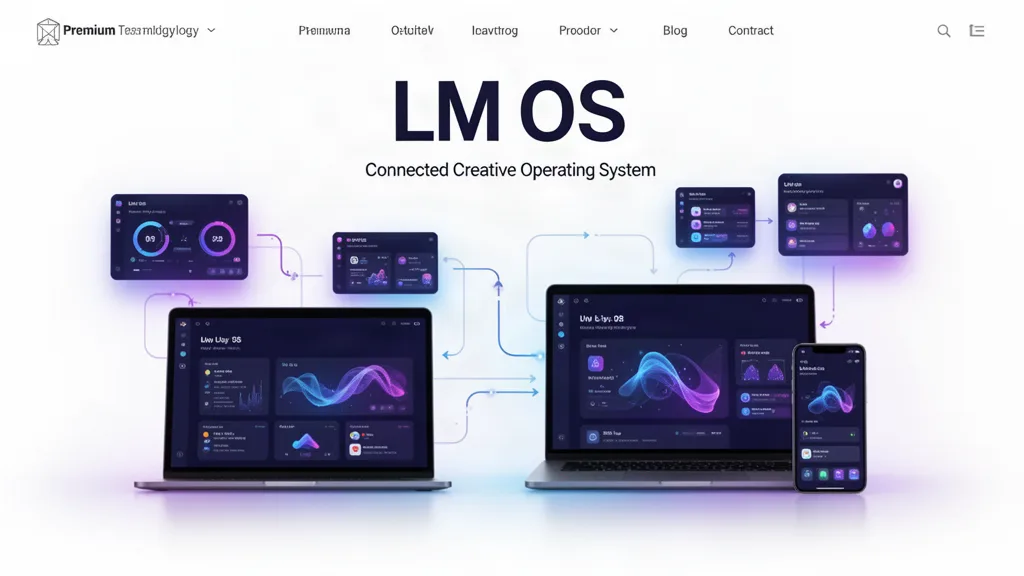
LMOS VOID Beta 0.34.2: One Backend, Shared App Contracts, and Private Project Chat
LMOS now has a formal ecosystem contract for every current app, a public compatibility manifest for future standalone app shells, a private membership-gated project chat engine with push alerts, and a backend health audit that checks whether projects, teams, tasks, entitlements and app identities remain synchronized.
What changed
Added one LM ecosystem contract shared by every current registered app.
Added a public machine-readable ecosystem manifest for future standalone LM app shells.
Formalized the update sequence: LMOS shared contract first, then standalone app surfaces against the same canonical app identity.
Declared each app’s shared engines, permissions, device capabilities and supported surfaces.
Added canonical legacy aliases so existing LM Church and old LM Coach work can remain readable while current experiences live in LM Websites and LM Coach/Connect.
Added private LMOS parent-project chat with membership checks, per-user read state and push notification delivery.
Added company/organization workspaces with teams that can be linked to LMOS projects; current team members are synchronized into the parent project and its linked specialist app projects.
Added an admin-only ecosystem health audit covering project links, memberships, tasks, app identities, entitlements and parent/specialist team synchronization.
Verified current parent/specialist membership links have no orphan rows or synchronization mismatches.
The architectural rule
LMOS is the operating system and source of truth. A standalone LM app is another surface over compatible LM services—not a second project database, a second task engine, a second people system or an incompatible fork.
Why this matters
The long-term LM company can ship focused standalone products while preserving one account, one project graph, one collaboration model and one upgrade path. That lets LMOS become the place where the whole creative life comes together without preventing individual applications from becoming useful products on their own.
What testers should try
Open Teams + Work → Companies and create a company workspace, a team, and a project link.
Add another signed-in LM member to a team and confirm linked project access follows the team.
Choose a shared LMOS project and use the new Chat view.
Send a project message and confirm another signed-in project member sees it and can receive a push alert when notifications are enabled.
Open multiple specialist tools inside one parent LMOS project and confirm the same membership and task context remains available.
Open the System Map and verify the app capability model describes shared engines rather than duplicated app infrastructure.
Use the beta on real work.
The most useful feedback is not “I like it.” Tell us where you hesitated, what took too many clicks, what did not save the way you expected, and what would make this useful enough to return to next week.