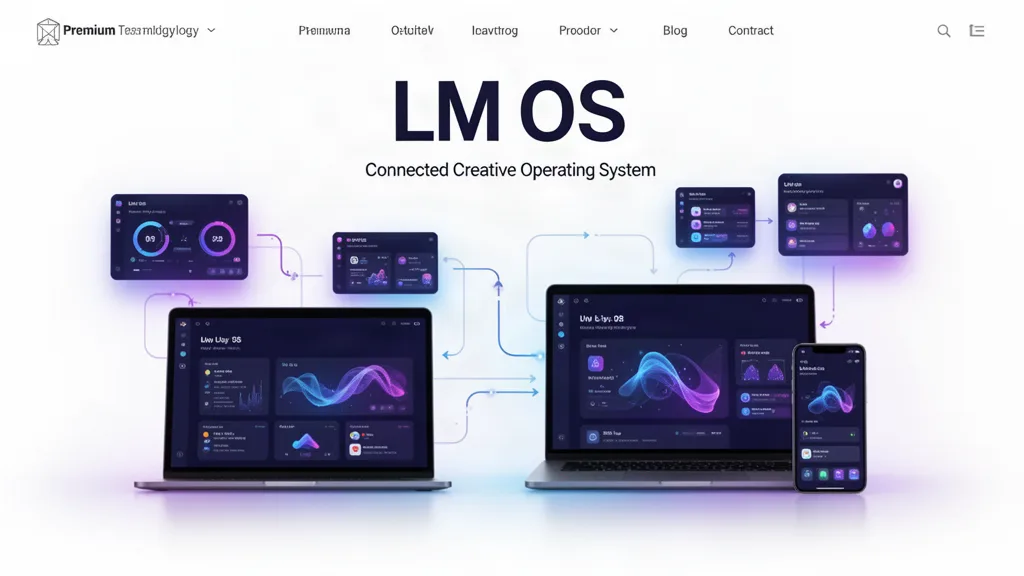
LMOS VOID Beta 0.34.3: Full-Screen Desktop, Mission Control, Open Runtime, and Faster Answers
LMOS now pushes farther beyond a website dashboard with display-filling app windows, global traffic controls, hot corners, Mission Control, Control Center, a versioned window.LMOS runtime bridge, Search-to-Agent Q&A, plain-language update explanations, and an included Weather utility.
Pain point → fix → benefit
Apps felt too much like browser pages → LMOS window and fullscreen behavior is surfaced as an operating-system feature → creators can stay inside one desktop mental model.
Running work was buried → hot corners and Mission Control expose open windows and installed apps → switching work takes fewer steps.
System actions were scattered → Control Center provides a compact quick-action surface → common destinations stay one gesture away.
Apps could rebuild OS behavior differently → window.LMOS provides a versioned shared runtime bridge → new apps can inherit common system behavior.
Search and AI were separate → Search can hand a typed question directly to LM Assistant → one box can find, open or answer.
Release notes were technical → the Info button explains pain point, change and practical benefit → testers can understand why an update matters.
Weather existed only as an optional widget → Weather is now an included System Utility → everyday tools can ship with LMOS without becoming paid specialist apps.
Fullscreen rule
LMOS app fullscreen fills the entire viewport even when the browser does not grant native fullscreen. On a direct user click, LMOS also requests the browser Fullscreen API where supported. Browser security and permission rules remain authoritative; LMOS does not attempt to bypass them.
The five-iteration direction
Desktop Core 2.0
Mission Control + Control Center
Open LMOS Runtime API
Included Essentials App Suite
Search + Agent + Update Intelligence
What testers should try
Open several LMOS windows, use the top-left desktop hot corner, and switch through Mission Control.
Open LM Cards or another installed app, use its fullscreen control, then exit and confirm the prior window state returns.
Use the global red/yellow/green controls to return to the website, show the LMOS desktop and request display fullscreen.
Open the Info button and confirm each major iteration explains the pain point and practical benefit.
Press Cmd/Ctrl+K, type a question, and choose Ask LM Assistant.
Open System Utilities → Weather and confirm LMOS asks for location only after you choose Use my location.
Use the beta on real work.
The most useful feedback is not “I like it.” Tell us where you hesitated, what took too many clicks, what did not save the way you expected, and what would make this useful enough to return to next week.