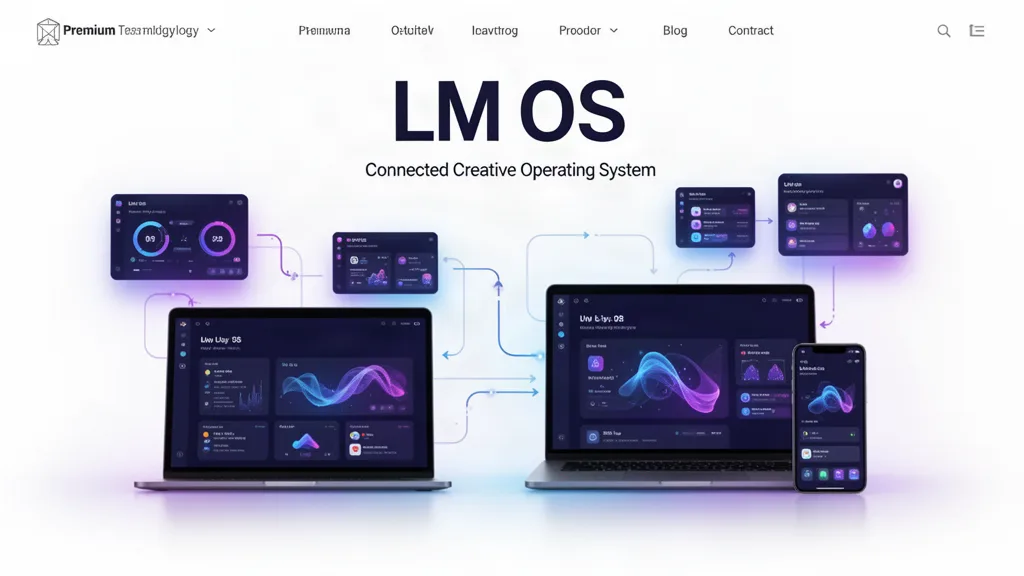
LMOS VOID Beta 0.34.6: Standalone Desktop, Start Menu, Popout, Wake Lock, and Device Lab
LMOS can now enter through a dedicated desktop route, open in its own browser window, expose browser-native install controls, keep worship/presentation displays awake in fullscreen, launch apps from a shared Start menu, and preview LMOS routes in a responsive Device Lab—all without creating a second window manager or app registry.
Pain point → fix → benefit
LMOS could still be entered like a normal site tab → /lmos now resolves to a dedicated desktop launch state → standalone/PWA/popout entry feels intentional.
Opening the OS in a separate workspace required manual browser steps → View and Control Center now expose Desktop Window → users can separate LMOS from the public website with one direct action.
Installability existed only as manifest metadata → Control Center now listens for the browser install prompt and reports standalone state → supported browsers can install LMOS without a fake installer.
A Windows-style taskbar existed without a true Start surface → the dock LM button now opens a Start menu powered by the existing app registry → apps and system destinations remain one shared universe.
Presentation displays could sleep during long services or shows → Worship output and LM Slides now request Wake Lock after fullscreen → supported devices can keep critical output awake.
Responsive testing required resizing the whole browser → Device Lab adds generic phone/tablet preview dimensions → app teams can inspect layout faster while still reserving real-device QA for native behavior.
What LMOS does not pretend to control
Fullscreen still requires a direct user gesture and browser permission.
Popup windows can still be blocked by browser settings.
LMOS cannot trigger F11 or create a macOS Space.
PWA install UI differs by browser and operating system.
Device Lab is not a hardware emulator.
Deeper native multi-window, protocol and filesystem integration remains a future optional native-wrapper layer.
Architecture rule
This update deliberately reuses the current LMOS app registry, window state machine, files, tasks, teams, search and project graph. The sample second window manager from the implementation bundle was not introduced, because LMOS should have one operating-system runtime rather than competing shells.
Verification status
The changed project typechecks clean and the targeted LMOS regression set passes. Final visual click-through of the popout/install/Start/Device Lab surfaces still requires an active Floot preview tab and real-browser install/fullscreen testing.
Use the beta on real work.
The most useful feedback is not “I like it.” Tell us where you hesitated, what took too many clicks, what did not save the way you expected, and what would make this useful enough to return to next week.