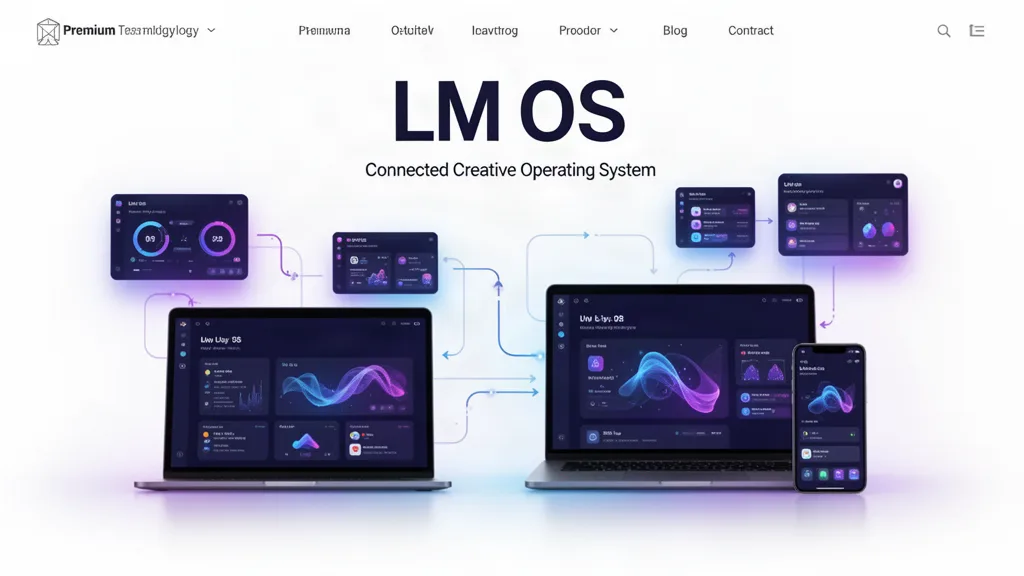
LMOS VOID Beta 0.34.8: Fluid App Windows, App-Owned Fullscreen Controls, and Device-Local Video Rendering
LMOS now gives every desktop app live container-size signals, keeps fullscreen window controls owned by the active app, adds hover labels to icon controls, and moves LM Video farther toward a local-device media pipeline with editable proxies and original-media final rendering.
Pain point → fix → benefit
Fullscreen app controls could be confused with LMOS system controls → fullscreen ownership now follows the active app and OS chrome yields → app close/minimize/restore no longer feels like it is closing the operating system.
Apps could respond to the browser viewport while ignoring their actual LMOS window size → the shared surface now reports live container dimensions/density and emits resize events → app layouts can reorganize around the space they truly have.
Icon controls required guessing → window and shared icon controls expose concise hover labels → users can learn the interface without trial-and-error.
Large video originals could make a browser editor feel dependent on server processing → LM Video adds local proxy generation and original-media final rendering → creators can keep source footage on their own device/Drive and use the device media stack for compatible work.
Proxy workflows can accidentally lower final quality → LM Video final render explicitly resolves the original source → proxies remain editing accelerators, not master replacements.
Book/card creator tiers and product direction lived partly in planning notes → pricing/cover/care concepts now appear in the actual product layer → the creator-to-business ladder is easier to evaluate in the working apps.
Hardware truth
LMOS uses browser-exposed local capabilities such as MediaRecorder, Canvas, WebCodecs availability, WebGL2/WebGPU availability, workers and local file handles. macOS, Windows, iPadOS, iOS, Android and the browser still decide actual codec implementation, GPU scheduling, memory allocation and hardware acceleration. LMOS does not bypass those operating-system boundaries.
What testers should try
Open LM Video, resize the app through compact, medium and wide widths, and confirm workflow navigation stays usable.
Enter an app fullscreen, use red/yellow/green controls and confirm they affect the app rather than closing/minimizing LMOS.
Hover traffic lights, snap controls and fullscreen controls and confirm their titles state the action and app name.
In LM Video, link a local/Drive video, create a proxy, enable proxy playback, then run final export and confirm the final path requests the original source.
Open LM Book Design and choose among the 50 cover directions, then build front and back cover artwork.
Open LM Cards and inspect the care, get-well, sympathy and celebration-of-life collections and creator pricing ladder.
Use the beta on real work.
The most useful feedback is not “I like it.” Tell us where you hesitated, what took too many clicks, what did not save the way you expected, and what would make this useful enough to return to next week.